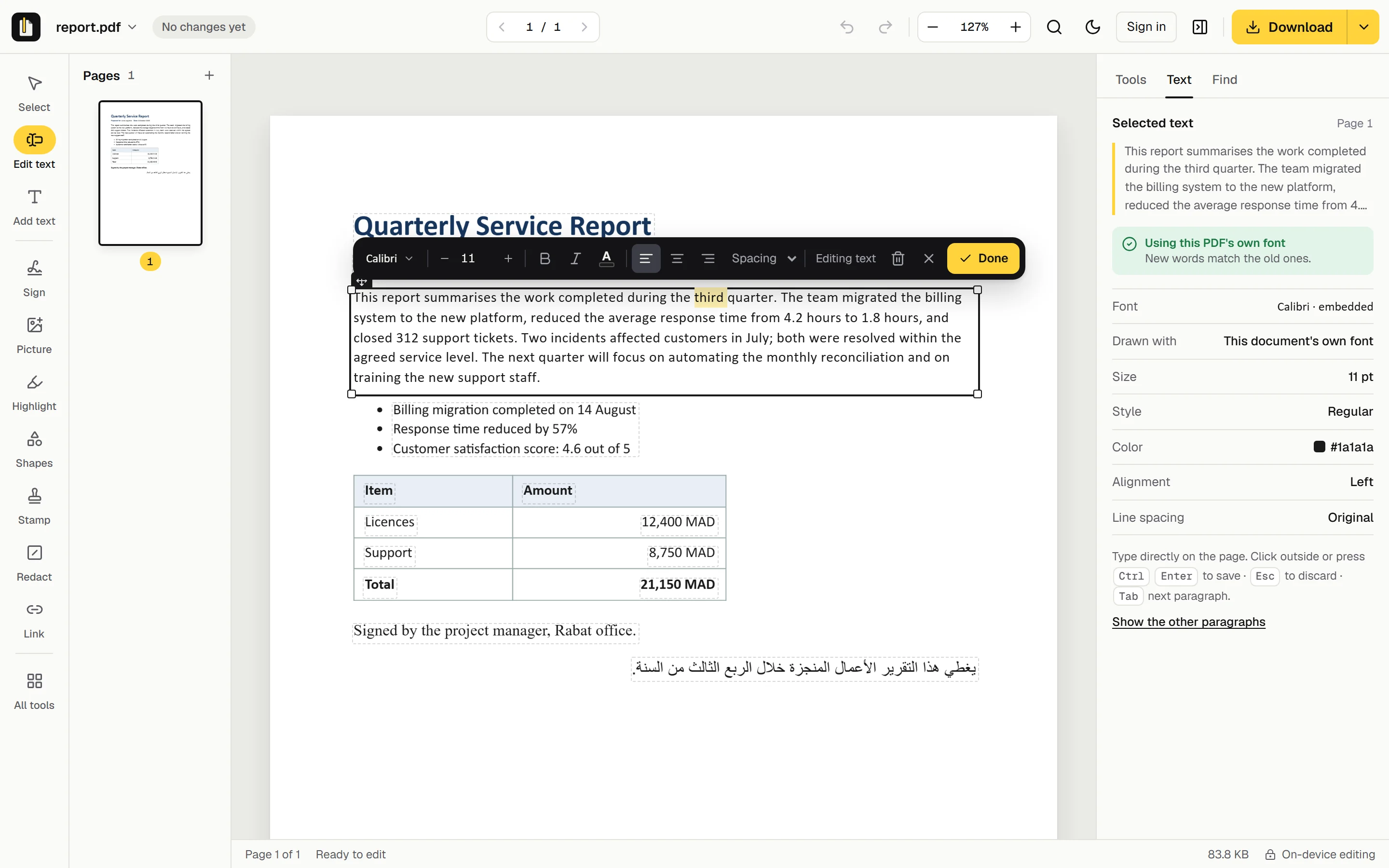
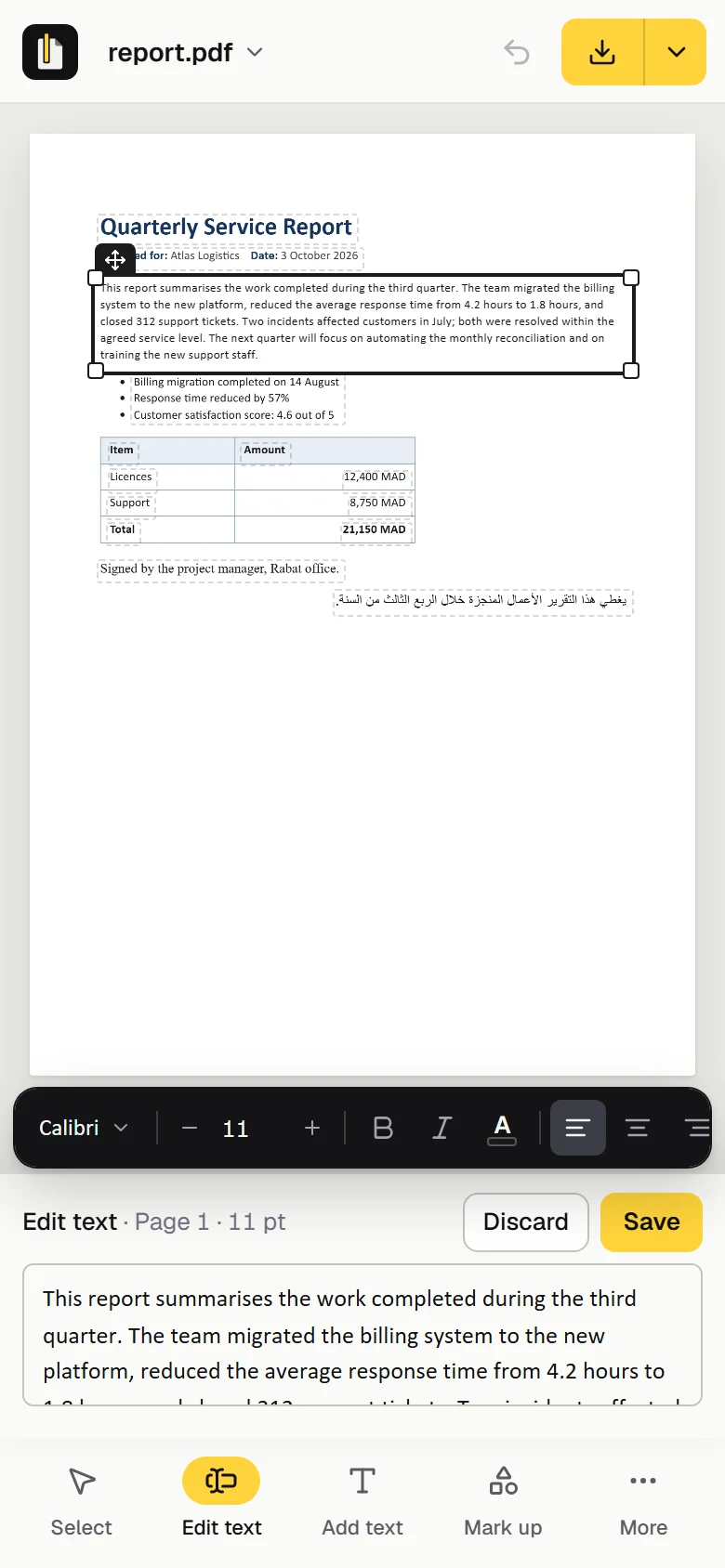
Edit the real text of any PDF, in its own font when the file has it. Arabic included, and your file stays on your device while you edit.
or drop it here
Text is edited on your device
Free, no account needed
Works on phones
No PDF at hand?
genpdf.com/editor
Made for the PDFs that are hard to edit
Scanned pages
Arabic, right to left
LaTeX papers
Saved from a browser
Word exports
Invoices and forms
How it works
Three steps. Nothing to learn.
Drop a PDF herePDFLease agreement.pdf
01
Open your PDF
Drop it on the page or pick it from your files: a contract, an invoice, course notes, a scan from your phone.
The rent is due on the first of each month.
02
Click and type
The cursor lands where you click. Your words appear in the document's own font while you type, when the PDF contains it.
PDFLease agreement.pdf3 changes · same fonts
Download
03
Download
You get a standard PDF, searchable and selectable, with your changes in place.
Same font
Your edit looks like it was always there.
Many editors type a change in a standard font. GenPDF writes with the font the document already uses when the PDF contains it, at the same size, colour and spacing, and says before you save when it has to use another. Paragraphs re-wrap and stay justified.
Fonts read from the file itself, even partial ones
Payment is due on 30 September 2026, as set out in section 4 of the agreement.
Typed in a standard fontGenPDF
Payment is due on 30 September 2026, as set out in section 4 of the agreement.
Georgia, from your PDF
This tab · genpdf.com/editor
PDF
Employment contract.pdf
2.4 MB · 6 pages
On this device
Opened in your browserDone
14 text edits appliedDone
Saved as a new PDFDone
Uploaded to a server0 bytes
Private by design
Edited on your device.
GenPDF edits text inside your browser with PDFium, the PDF engine built into Chrome. The PDF you edit is not uploaded to us: only a page with no text can be sent, as an image to be read, and only after you agree.
Runs where you are
Windows, Mac, Linux, Android and iPhone, in the browser you already have.
No account to edit
Open, change and download without signing up or leaving an email.
Only scans and conversions use our server
A page with no text (a scan or a photo) is sent as an image to be read only after you agree; converting an office file sends that file. Both are deleted as soon as the work is done.
No documents in your account
Your account holds your plan, not your files. Everything we hold about you downloads in one click.
Hard documents
Scans, Arabic, phones. Handled.
تقرير الخدمة الفصلي
نقل الفريق نظام الفوترة إلى المنصّة الجديدة، وأغلق 312 طلب دعم خلال الربع الثالث.
وانخفض متوسط زمن الاستجابة من 4.2 إلى 1.8 ساعة.
Arabic reads right
Letters stay joined and words keep their order when you edit, with numbers still left to right.
A black box drawn on a PDF only hides the words: anyone can copy them from underneath. GenPDF removes what lies under each box from the file itself, then reads the file back to check nothing is left.
Find a word and redact every place it is written
Text, pictures and drawings under the box are removed
Tells you where else the words appear: title, bookmarks, comments
Need it just once? A 7-day pass is $4.99: everything in Pro for 7 days, and it does not renew.
Prices in US dollars. The checkout shows the final price, with any tax that applies where you live. Every payment can be refunded within 30 days: refund policy.
Questions
Good to know.
Something else? Ask us; a person reads every message.
What is GenPDF?
GenPDF is a free, browser-based PDF editor that changes the text already in a PDF, in the document's own font when the file contains it, with full Arabic support. Editing never uploads the file; scanned pages are read on our server only after you agree. It works in six languages, on a computer or a phone.
Is GenPDF free?
Yes, with no account and no watermark. Opening and editing are free; on the free plan, what you download is counted each day: 3 edited PDFs, 3 signed PDFs, 2 Word exports (up to 20 pages each) and 10 downloads from the other tools (merge, split, compress and the rest). What runs on our server has a daily allowance too: 5 scanned pages read and 3 office files converted (up to 10 MB each). Pro or a 7-day pass has no limit on downloads, and reads 100 pages and converts 30 files (up to 25 MB) a day. Asking others to sign is counted by the month: 3 requests on the free plan, 50 with Pro or a 7-day pass. The count starts again at 00:00 UTC. Pro and the 7-day pass are on the pricing page.
Is my file uploaded?
Not to edit it: the editor runs in your browser, and signing, filling, marking up, redacting and adding a password happen there too. Our server is used only when you want it: to read a page with no text (a scan or a photo), the editor asks before it sends the page's image; an office file you convert is sent to be converted; and if your browser can't run the editor's engine, the editor asks before it sends the PDF. Each is deleted as soon as the work is done.
Do you keep my documents?
Not unless you ask others to sign. Editing, signing and the other tools never keep your file: it stays where you keep it. A signature request is the exception: the PDF is stored on our server encrypted. By default the key is only with you and the signers, so we cannot read it; if you choose to let us email the signers' links, we hold the key until the request ends and could technically open the document until then. It is deleted when the request ends or 30 days after everyone has signed. Your account holds your plan and how you sign in, and you can download all of it, or delete it, yourself.
Can I sign and fill in forms?
Yes. Draw, type or upload your signature and place it; type into a form's fields and tick its boxes; add stamps, highlights, shapes and links that every PDF reader shows.
Is a redaction permanent?
Yes. GenPDF removes the words, pictures and drawings under each box from the file itself, then reads the file back to check nothing is left. A black box drawn over text only hides it.
Will my edit use the same font?
When the font is inside the PDF, which is most of the time, GenPDF writes with it. When it isn't, GenPDF picks the closest match and tells you which one.
Can I edit a scanned PDF?
Yes. GenPDF reads the text on the page, then you edit it like any other line. A scan holds no font to reuse, so your words use a standard font at the size and colour of the scan. Reading happens on our server: 5 pages a day on the free plan, 100 with Pro or a pass.
Does it work with Arabic?
Yes. Letters stay joined, words stay in order and numbers stay left to right, in the document's own font when the PDF contains its letters. More on editing Arabic in a PDF.
Do I need to install anything?
No. GenPDF runs in the browser of a computer or a phone (Chrome, Edge, Firefox or Safari): nothing to install, and no account to open, edit and download a PDF.
Can I ask other people to sign?
Yes, with an account and a confirmed email address. Choose File, then Request signatures, add one to five signers and send. Your PDF is encrypted in your browser: our server keeps only the encrypted copy, and by default the key stays in the links you pass to the signers, so we cannot read it. You can instead let GenPDF email each signer their link: our server then holds the key until the request ends, and could technically open the document until then. Signers need no account; they sign in their browser, and the finished PDF gets an audit page with the times and fingerprints. It is a simple electronic signature, not a qualified one.